Less email work. More done.
The few pieces that get you to zero, and keep you there.
Find the clutter in seconds.
Tarmac reads 90 days of senders and subjects, spots the patterns, and hands you a tidy list of suggestions.
- Every folder, not just the inbox
- Your messages stay private
- Runs in the background. Walk away.
Approve in batches, not one by one.
Suggestions wait here for you. One card per sender, with the action already picked. Nothing moves until you say so.
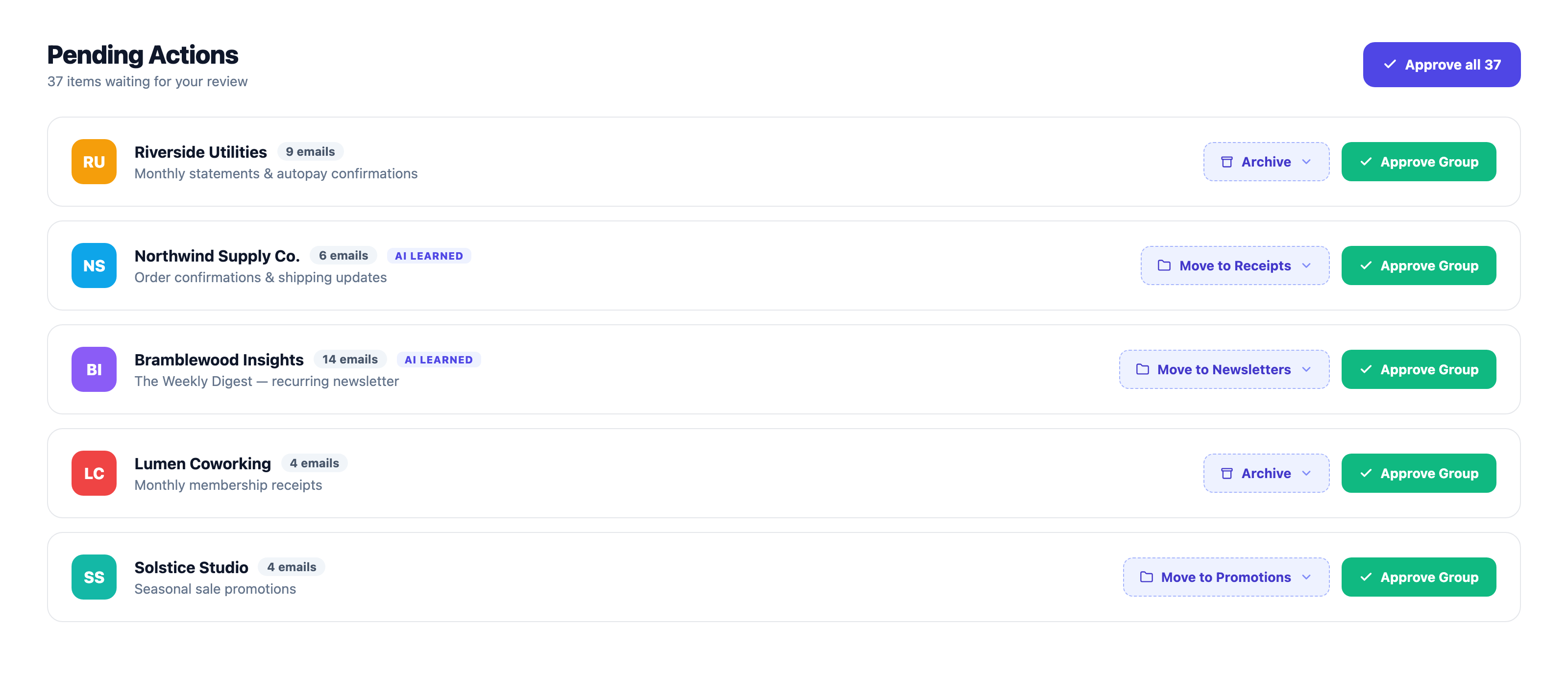

Pick the action
Keep the suggestion or choose another.

Approve the group
Every email from that sender, handled.
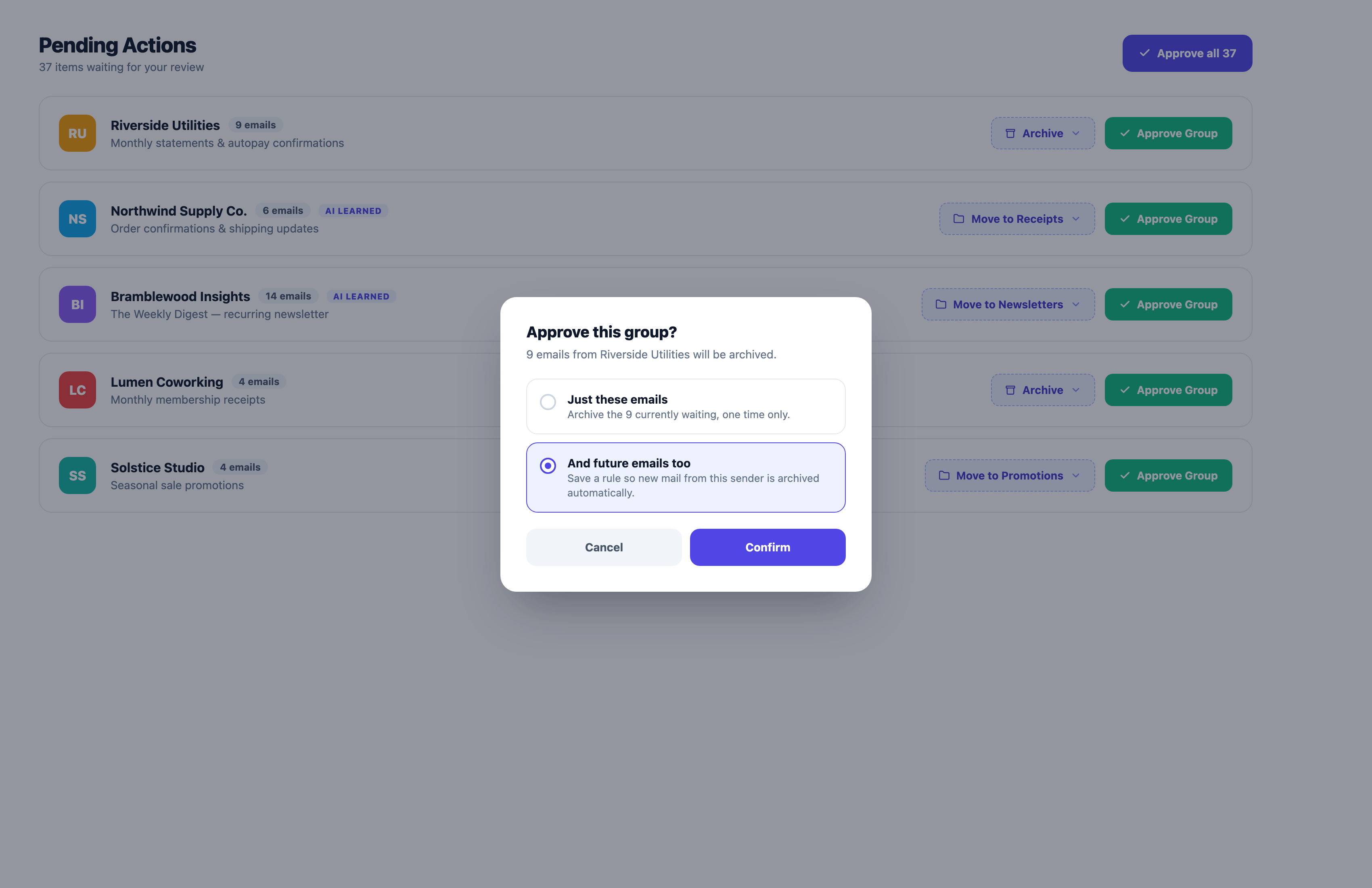
Once, or always
Save it as a rule and it never piles up again.
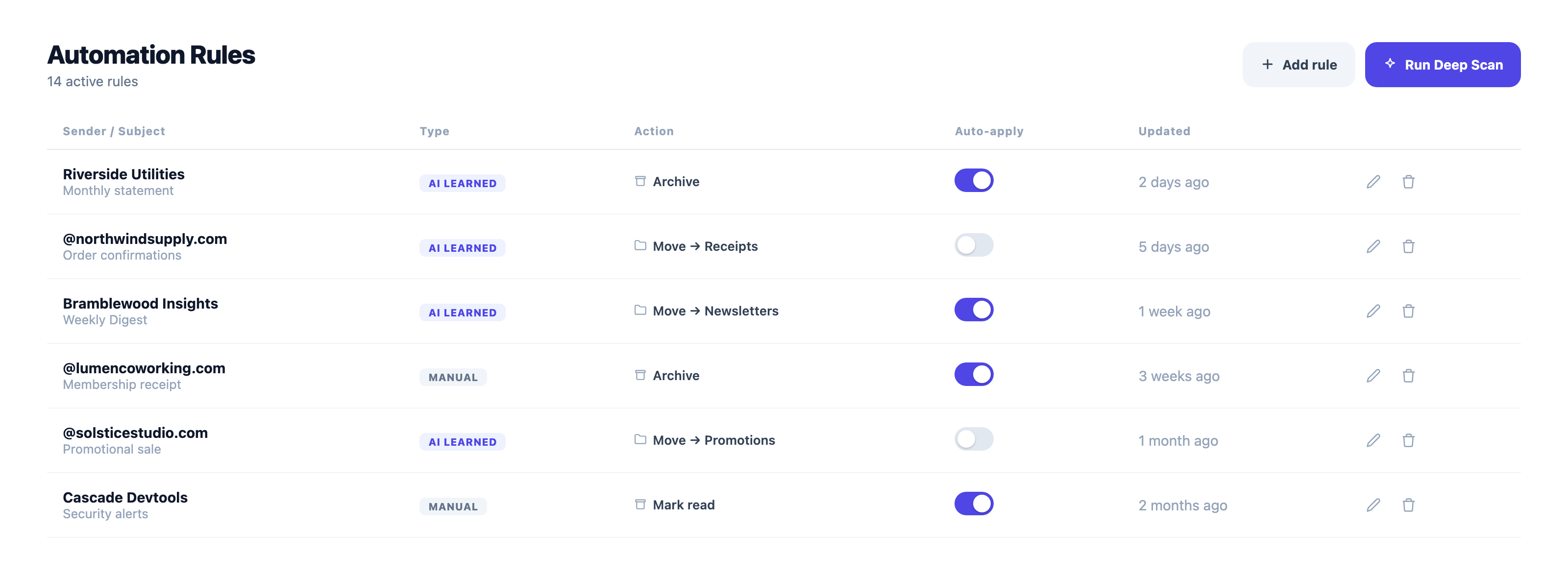
Set it once. Never sort it again.
Rules come from your habits, from AI suggestions, or from you. Each one runs the way you choose.
- Auto-apply handles it the moment it lands
- Review parks it in Pending for a quick yes
- Run any rule on your inbox to clear the backlog
See what matters.
Real people
Only folks you've written back to.
Minus the noise
Your inbox without what rules already handle.
Everything
For when you're hunting for something.
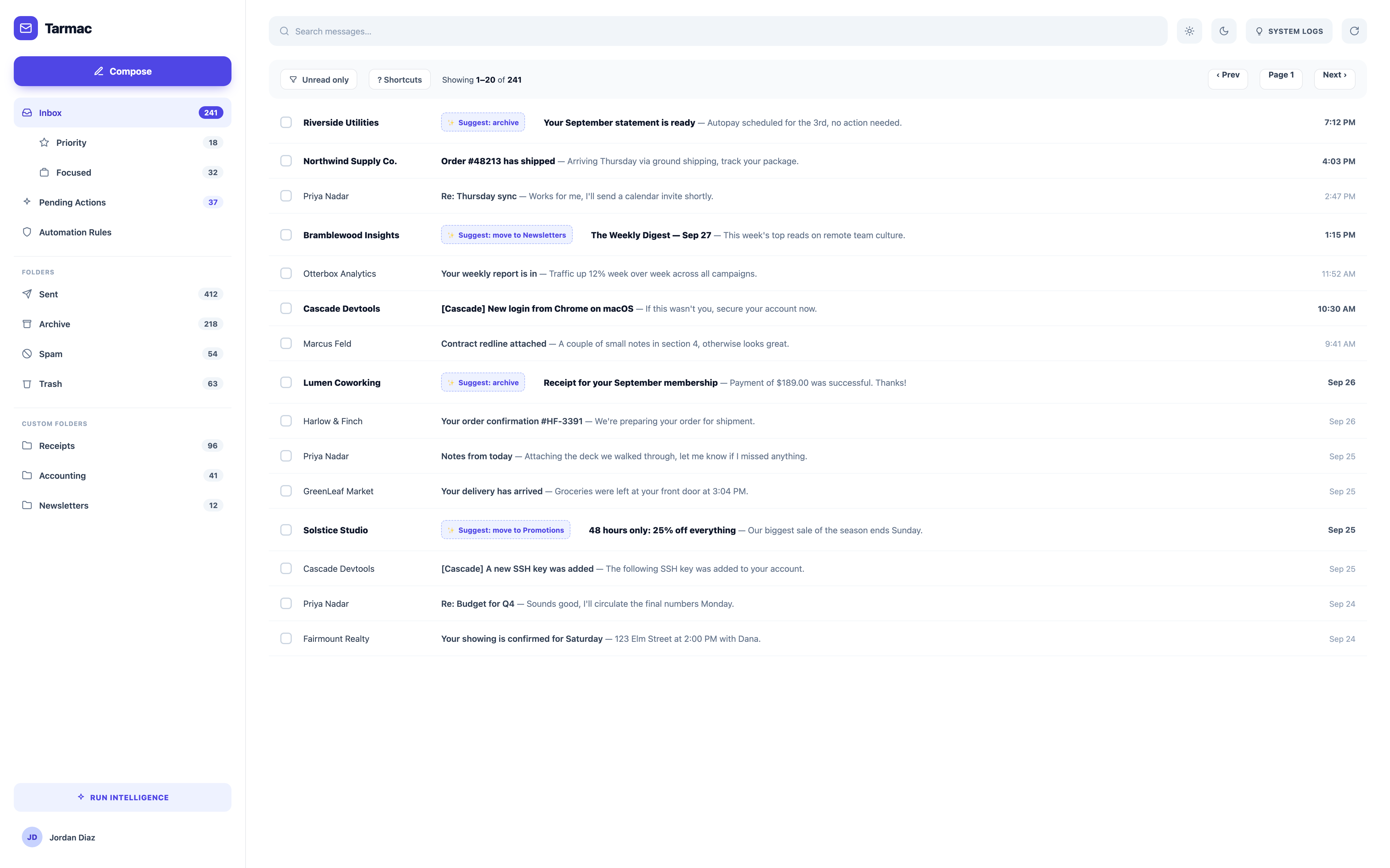
Suggestions show up right on the row, too.
Write without worry.
Drafts save to Gmail as you type. Hit send too soon? You get five seconds to take it back.
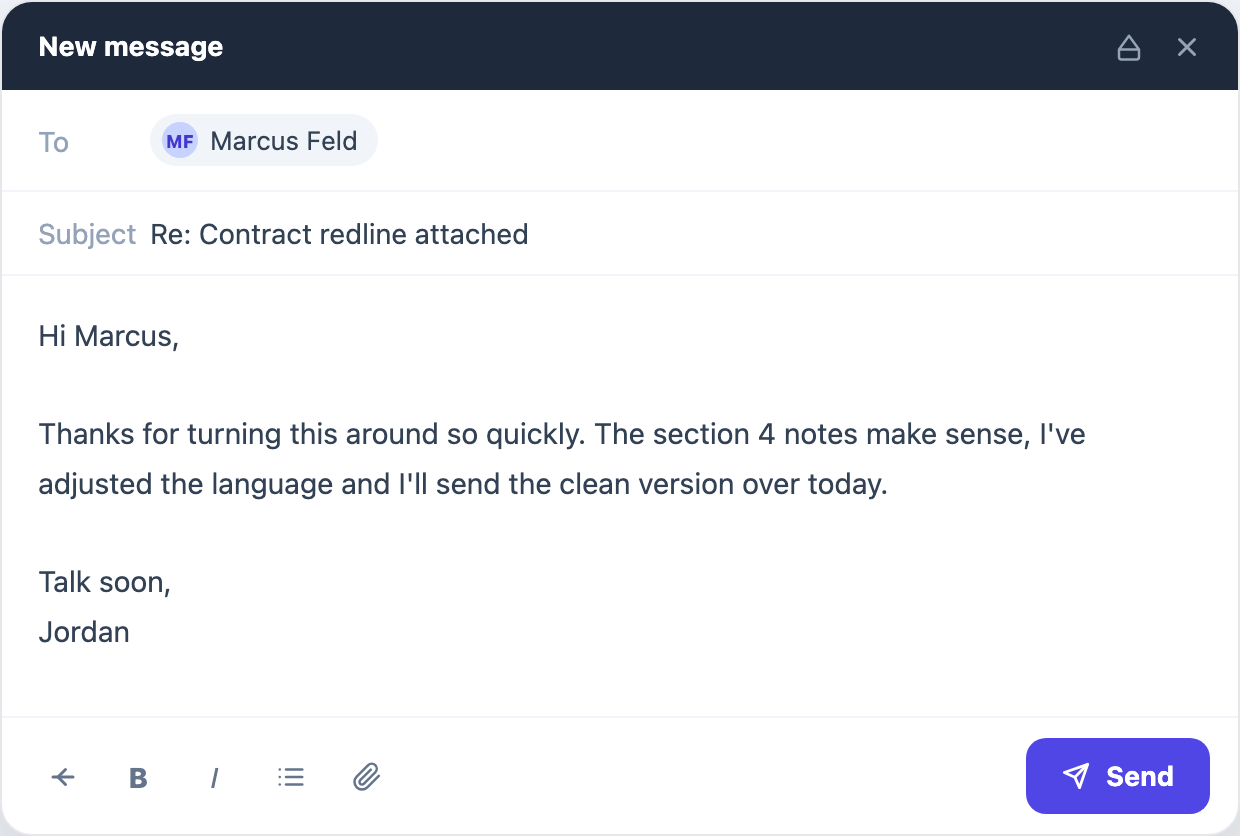
Oops-proof.
Every action comes with an Undo. Big batches too. Everything goes back exactly where it was. So go ahead, be bold with your rules.
Hands on the keys.
Fly through your inbox without reaching for the mouse.
Press ? in the app for the full list.
Ready when you are.
Connect Gmail, run a scan, and watch the pile shrink.